The Docker your Mac was waiting for.
Build Apple apps and run AI on the GPU of a Mac mini M4 — no virtual machine, no emulation, real macOS.
Native GPUPyTorch (MPS) and MLX using the chip’s GPU and unified memory.
Xcode in a containerUpload your project .zip and get back a .dmg or .ipa signed with your certificate.
Container in ~130 msEach job starts from an APFS clone of the image.
Isolated by defaultmacOS sandbox, a dedicated service user and no network while the job runs.
Uploaded code runs isolated and is deleted at the end of the retention period. Signing certificates are destroyed at the end of every build.
Your M4 GPU, inside the container.
Docker on the Mac runs a Linux VM — and the VM cannot see Metal. Here PyTorch (MPS) and MLX talk directly to the GPU and unified memory.
No Metal, no MPS.
inside the sandbox.
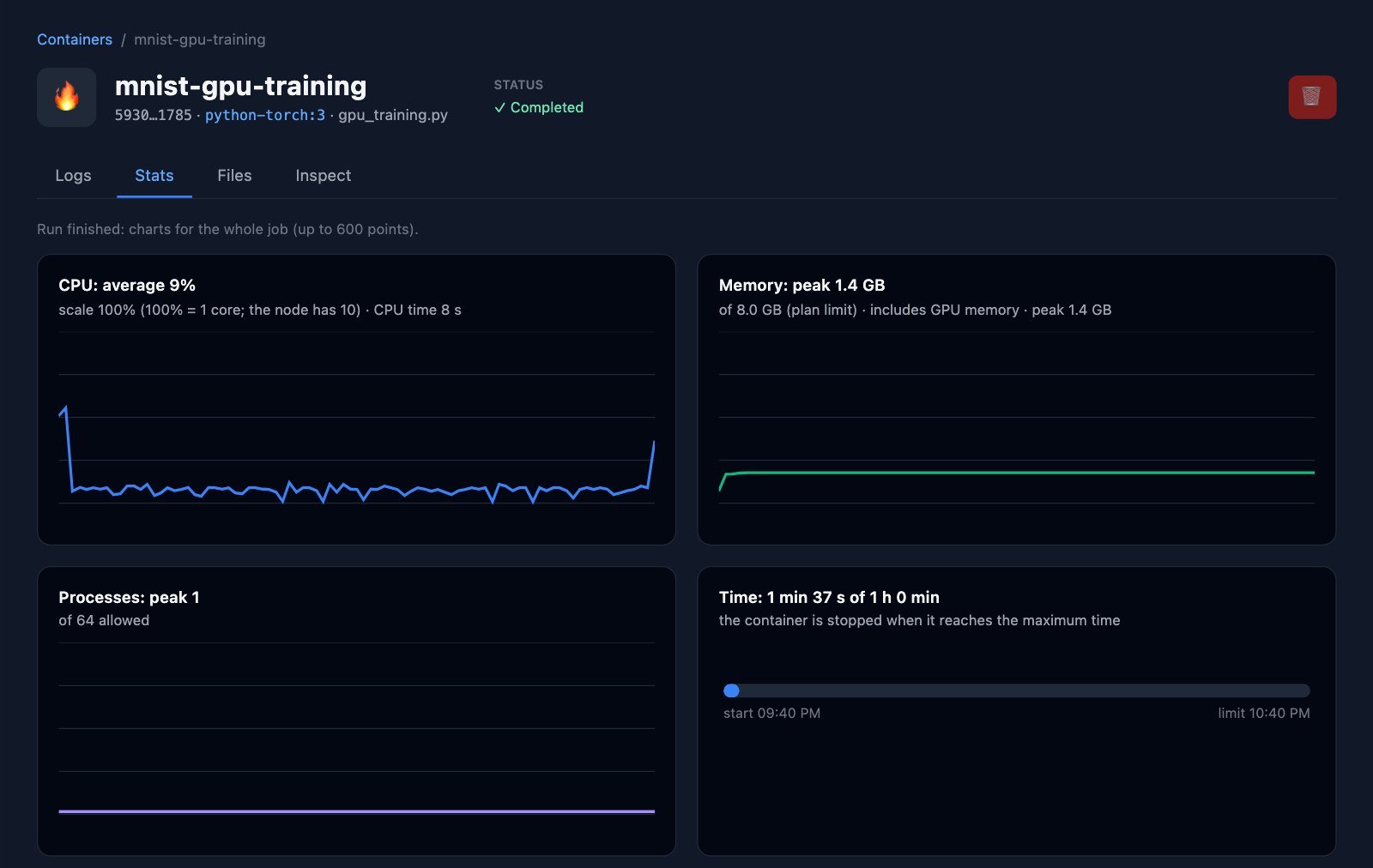
PyTorch 2.14.0 | device: mps | MPS available: True
PyTorch and MLX on the Apple Silicon GPU. Create account →
Build Apple apps in a container. Yes, you can now.
Upload your project .zip and get back a .dmg or .ipa signed with your certificate. Linux can’t run Xcode — MacDocker runs real macOS.
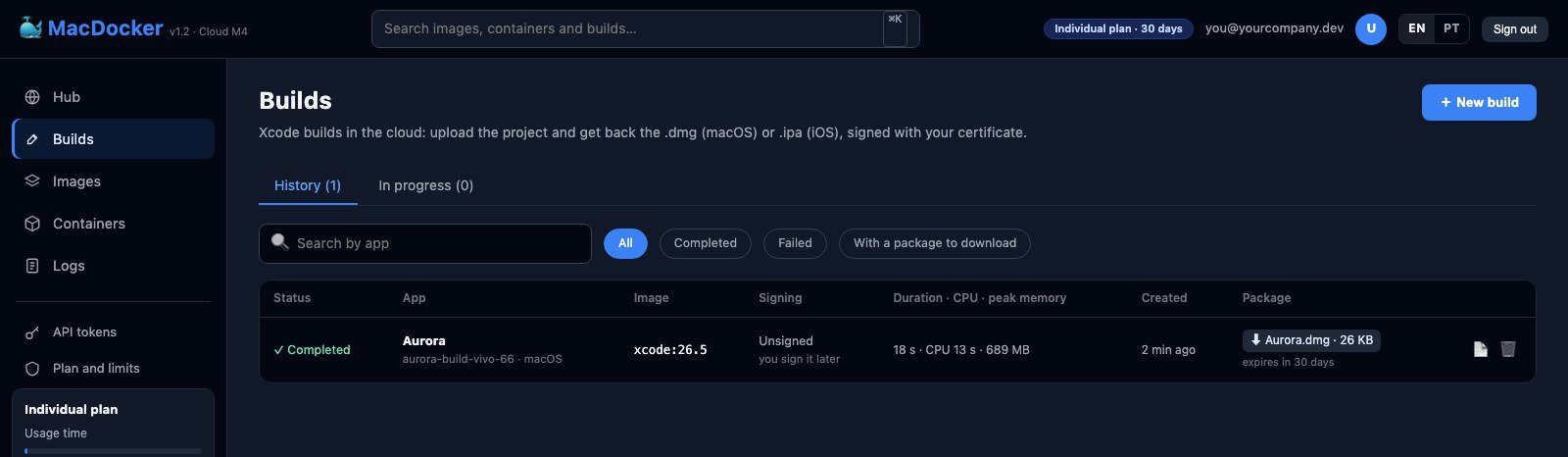
macOS and iOS builds signed with your certificate. Create account →
Truly isolated. Truly fast.
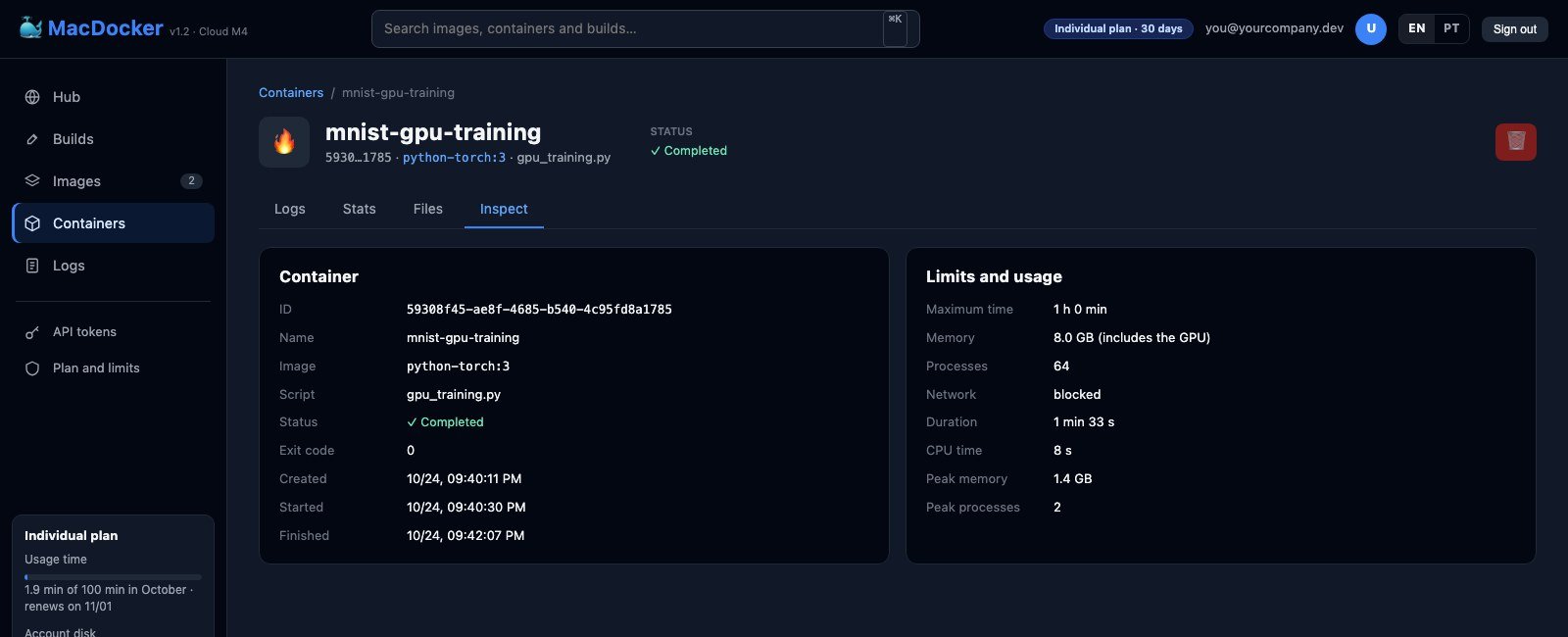
macOS Seatbelt on every job, with its own service user
Network blocked while running
Memory (including the GPU), processes and time are capped
The container starts from a copy-on-write APFS clone
Each customer in their own service account, everything audited in a chained log — and without the cost of a VM per job.
Every job isolated, without the cost of a VM. Create account →
The best is yet to come.
- ⚙️
Runner for GitHub ActionsCI in MacDocker containers
- 🖥️
Many Macs, one dashboardMulti-node scaling
- 🎬
ffmpeg + VideoToolboxRender video with hardware
- 🧠
python-mlx-lmLocal LLMs on the GPU, with MLX
- 🔏
Automatic notarizationYour app ready for Gatekeeper
- 📦
Set up your own nodeSetup assistant + signed images
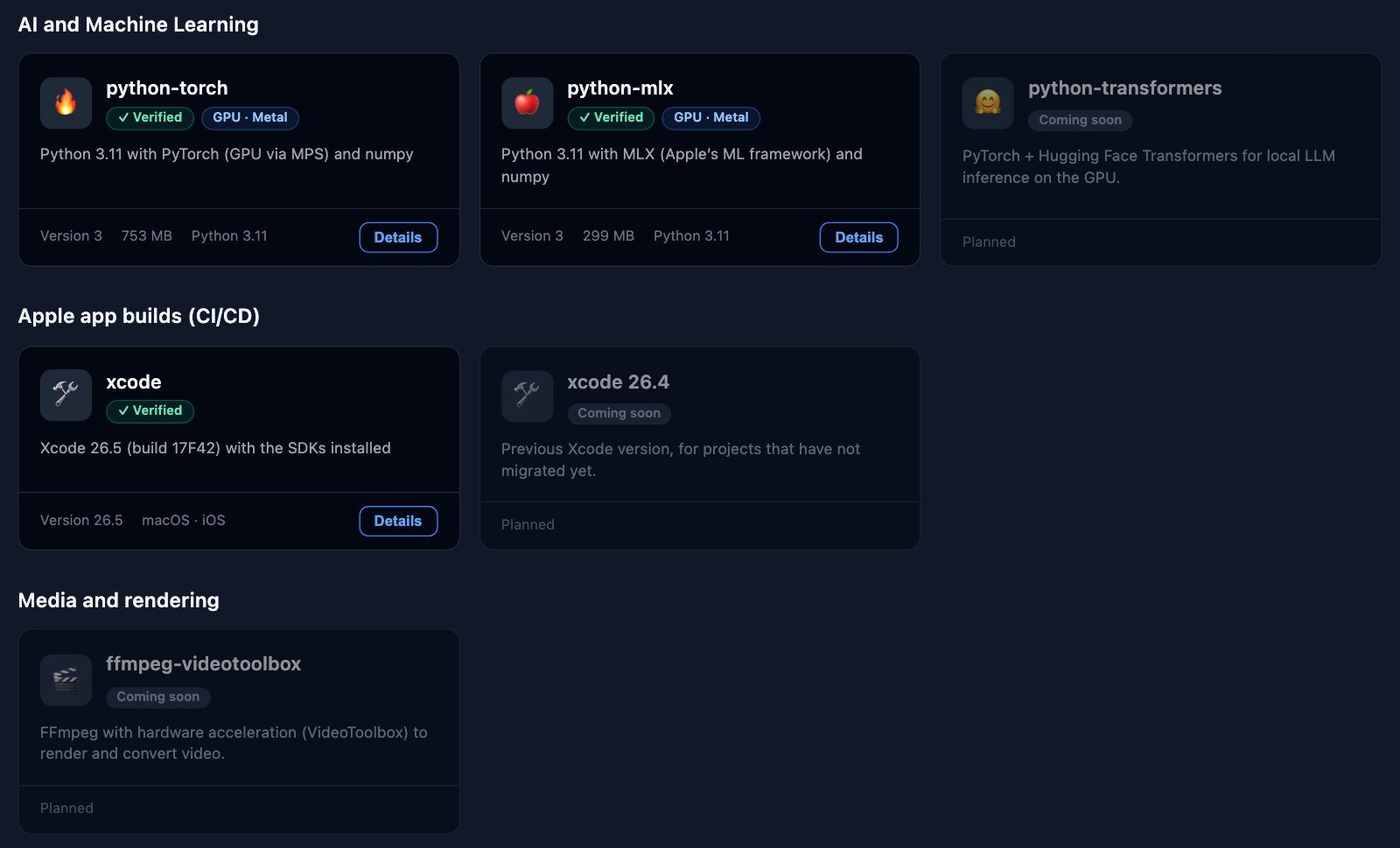 COMING SOON
COMING SOON
Beta testers help choose what comes first. Request beta access →
Choose how to get started
Beta tester and trial are free. Security does not change between plans: everything runs isolated, with no network during the job, and signing credentials are erased at the end of every build.
Swipe the table sideways to see Trial, Individual and Corporate →
Loading…
* The Individual and Corporate plans are not on sale yet: they will only be sold after the beta period ends, and the prices above are estimates that may change before launch. If you want to be notified, join the launch waiting list.
† Weighted tokens: an output token is worth the model's number of billions of parameters, and an input token a quarter of that (Qwen3-4B uses 4 per generated token; Qwen2.5-0.5B, 0.5). Separate from usage minutes.